Explore the Admin Dashboard
Explore the Admin Dashboard
Section titled “Explore the Admin Dashboard”The Seamless Auth Admin UI is the operator-facing application for managing and investigating a Seamless Auth deployment.
It runs as a separate app and uses the same auth system as the rest of your stack.
Access Requirements
Section titled “Access Requirements”Dashboard access is controlled by scoped admin roles.
In the current dashboard app:
- unauthenticated users are redirected to
/unauthenticated - authenticated users without admin read access should not reach the main operator routes
admin,admin:read, andadmin:writecan read dashboard dataadminandadmin:writecan perform write actions- sensitive write actions can require fresh step-up verification
Main Areas
Section titled “Main Areas”The current dashboard app includes:
- Overview
- Users
- Organizations
- Sessions
- Events
- Security
- System configuration
- Profile
The most important starter-path sections are the first seven.
What You Can Do There
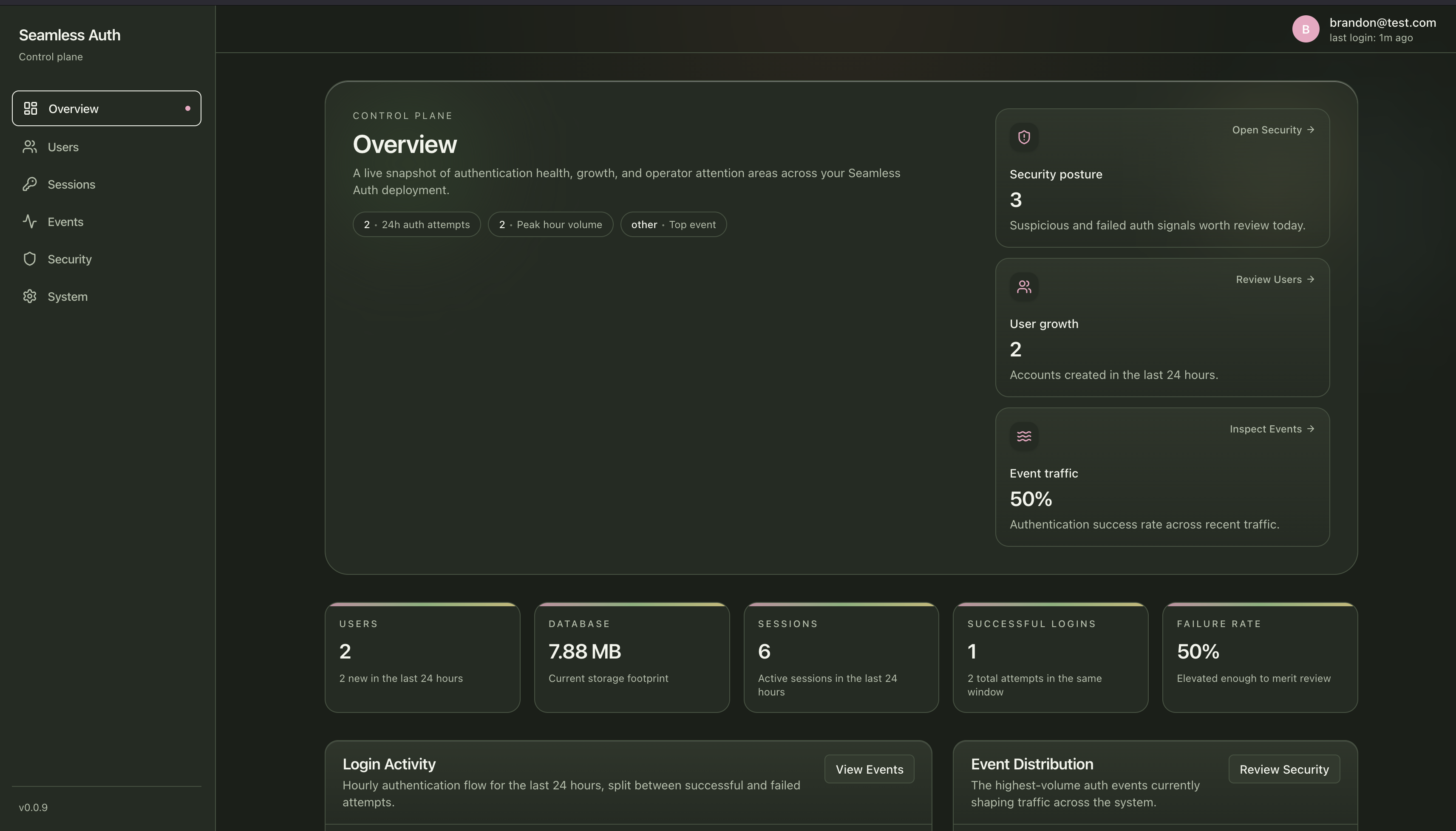
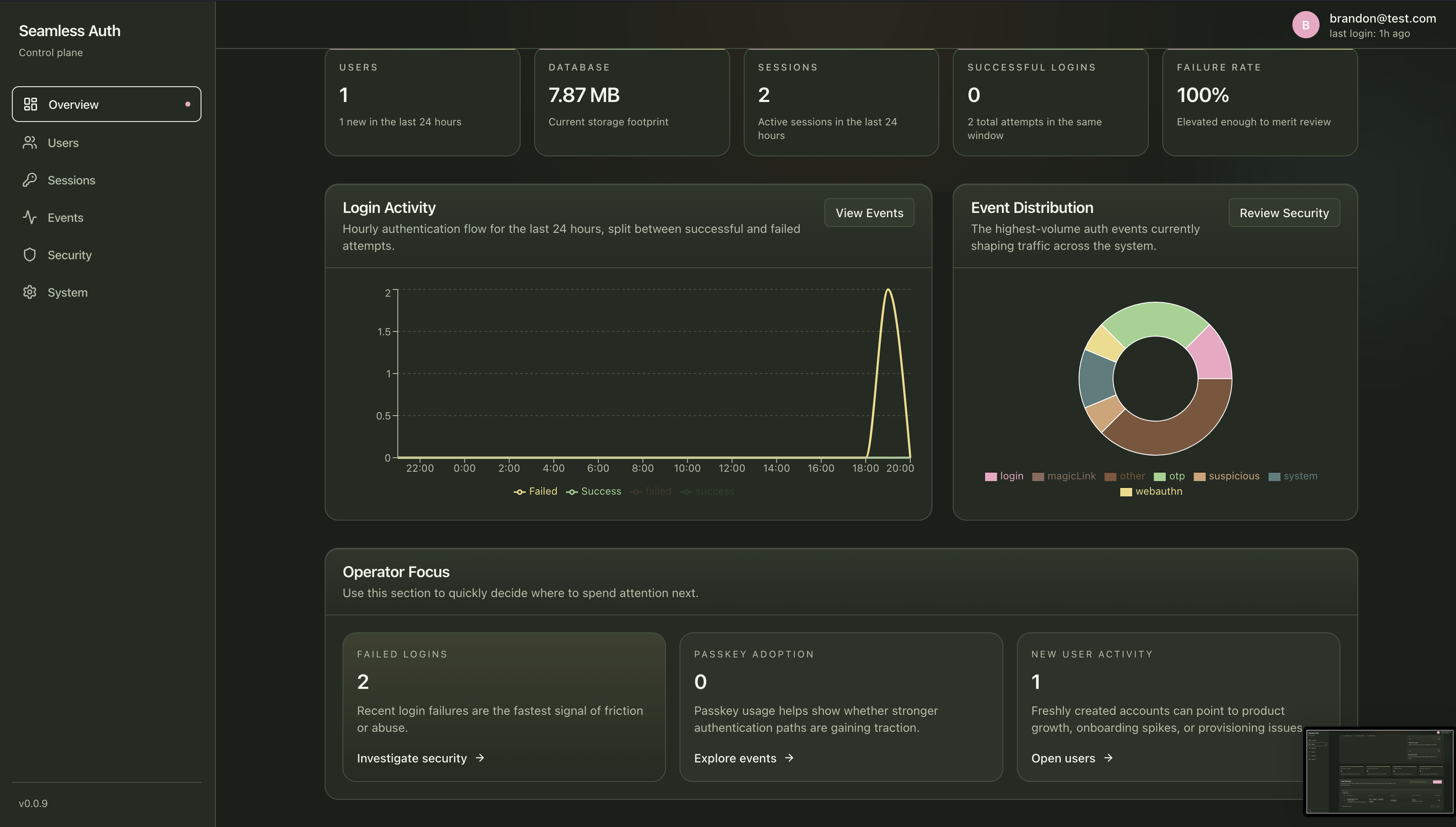
Section titled “What You Can Do There”Overview
Section titled “Overview”Use the overview screen to quickly answer:
- is the system active?
- are logins succeeding?
- are there suspicious signals worth investigating?
- how much passkey and session activity is happening?
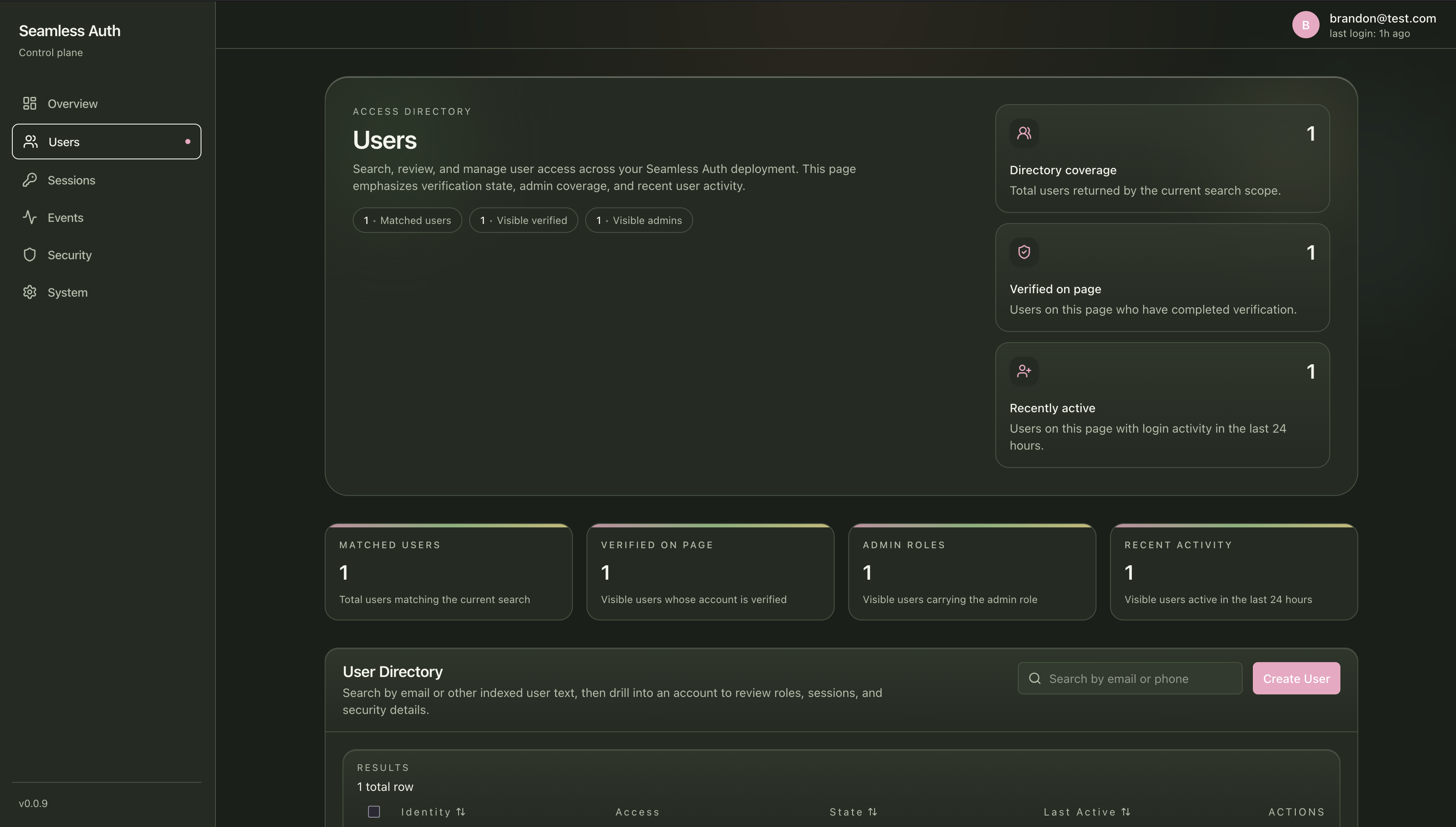
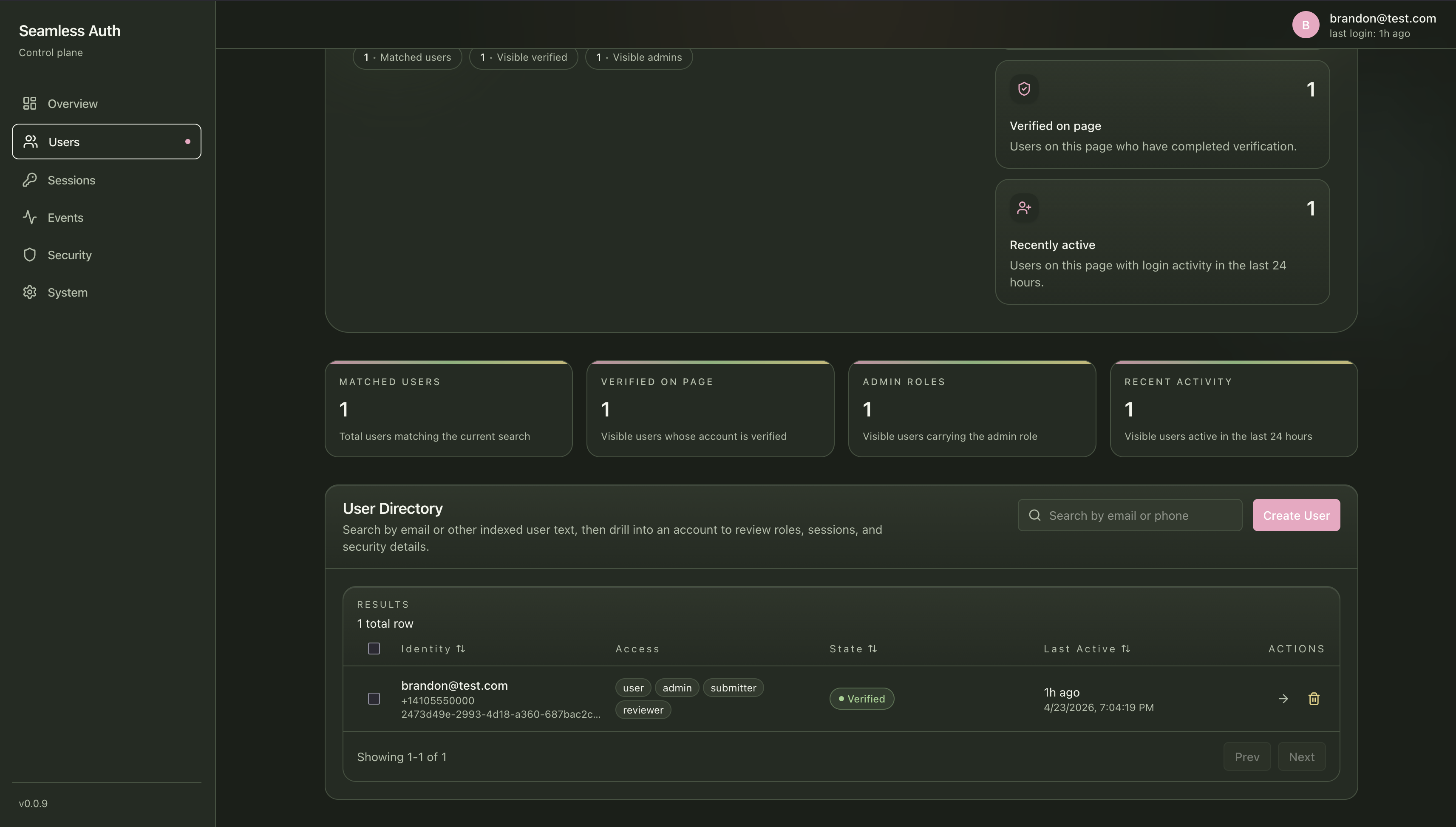
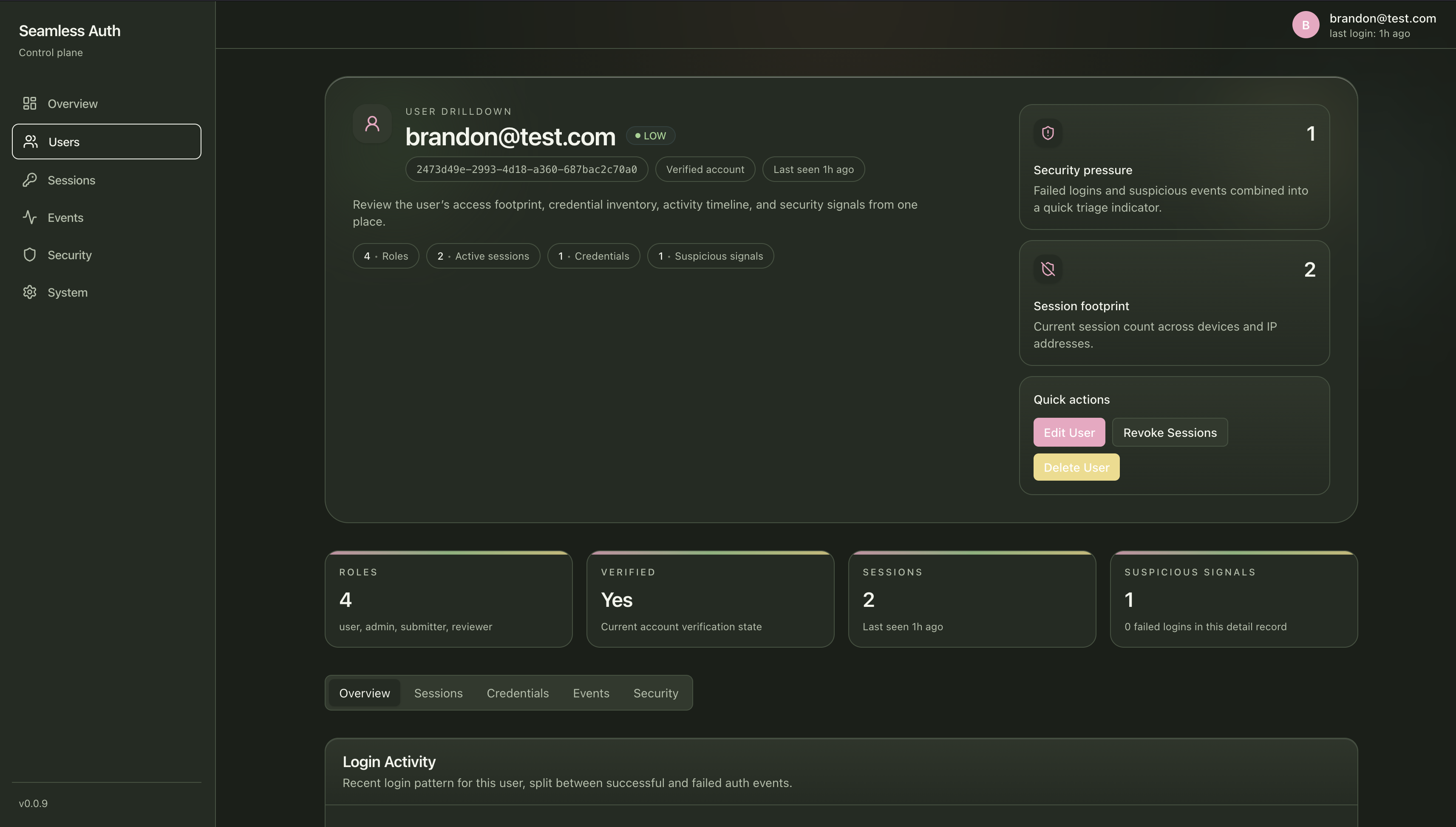
Use the users screen and user detail view to:
- browse identities
- edit user details
- update global roles
- inspect credentials
- review user sessions and anomalies
- revoke one or all user sessions
- start device replacement recovery
Device replacement recovery revokes sessions, removes passkeys, disables TOTP credentials, and returns counts only. It requires fresh step-up authentication.
Organizations
Section titled “Organizations”Use the organizations screen to:
- create organization records
- edit organization name and slug
- review membership counts
- add and remove members
- update organization membership roles and scopes
Organization routes are separate from global user roles. Use them when access depends on tenant or workspace context.
Sessions
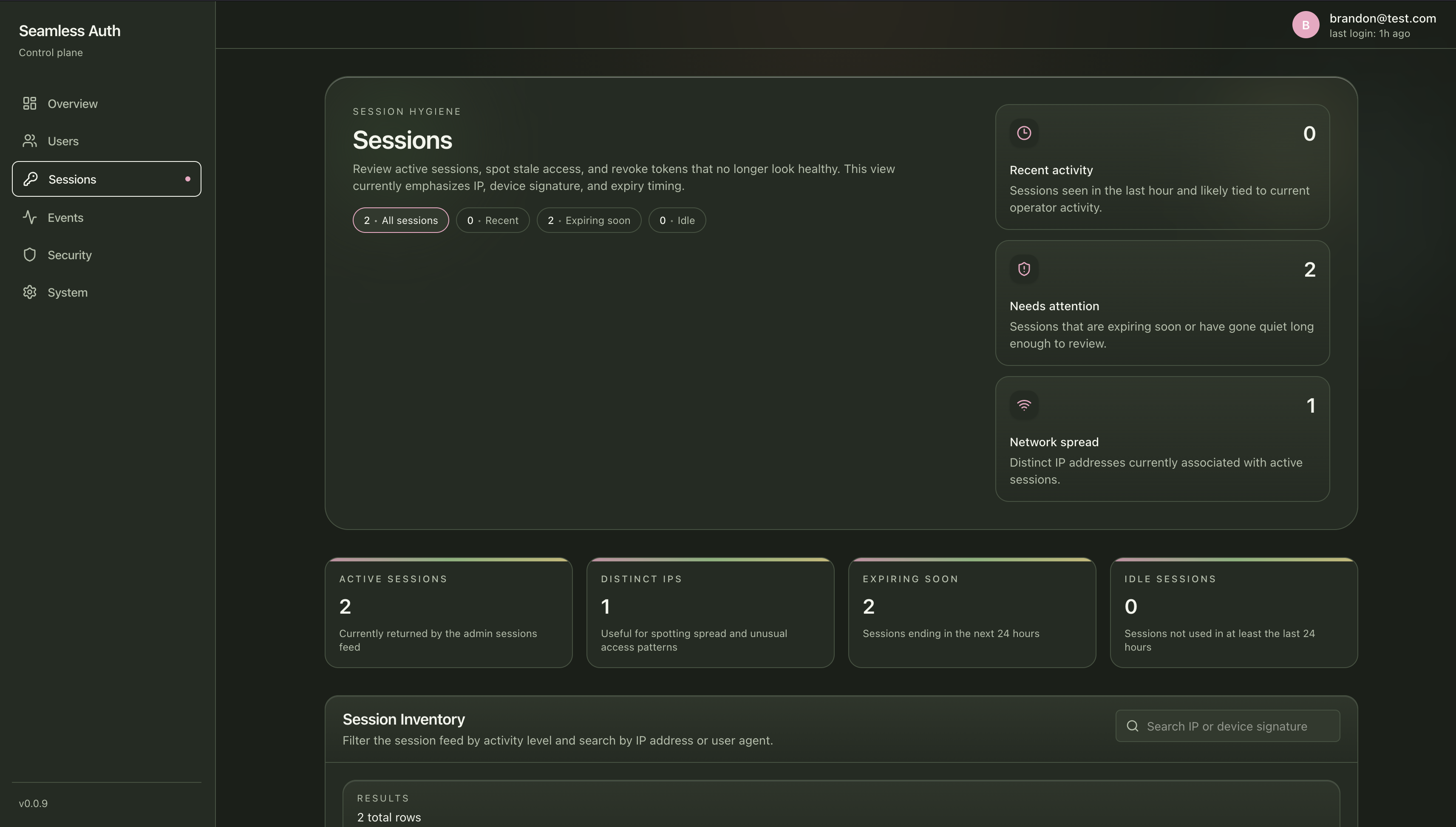
Section titled “Sessions”Use the sessions screen to:
- inspect active sessions
- review device/browser context
- identify stale or risky access
- revoke individual sessions
- revoke selected sessions in bulk
Events
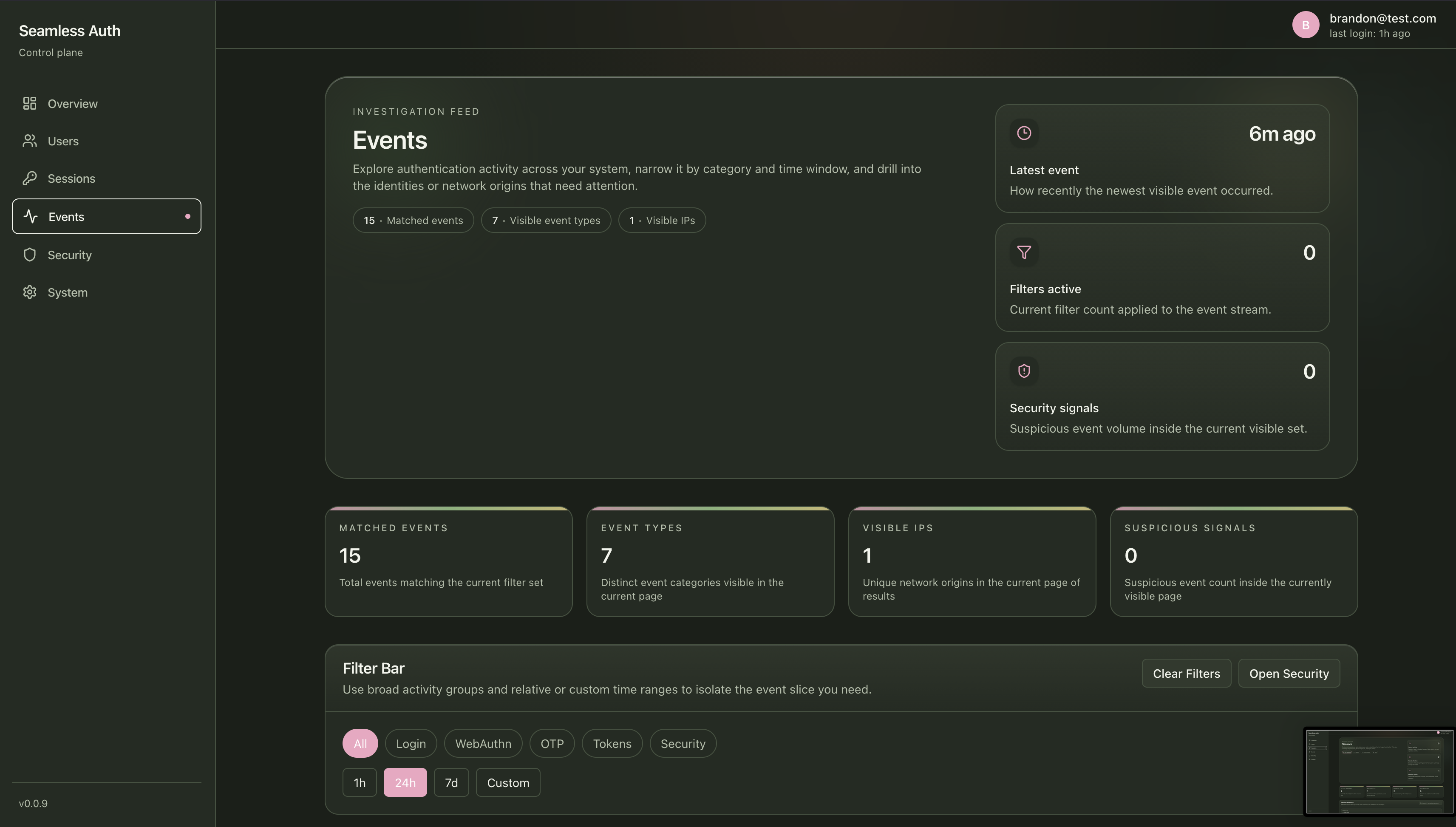
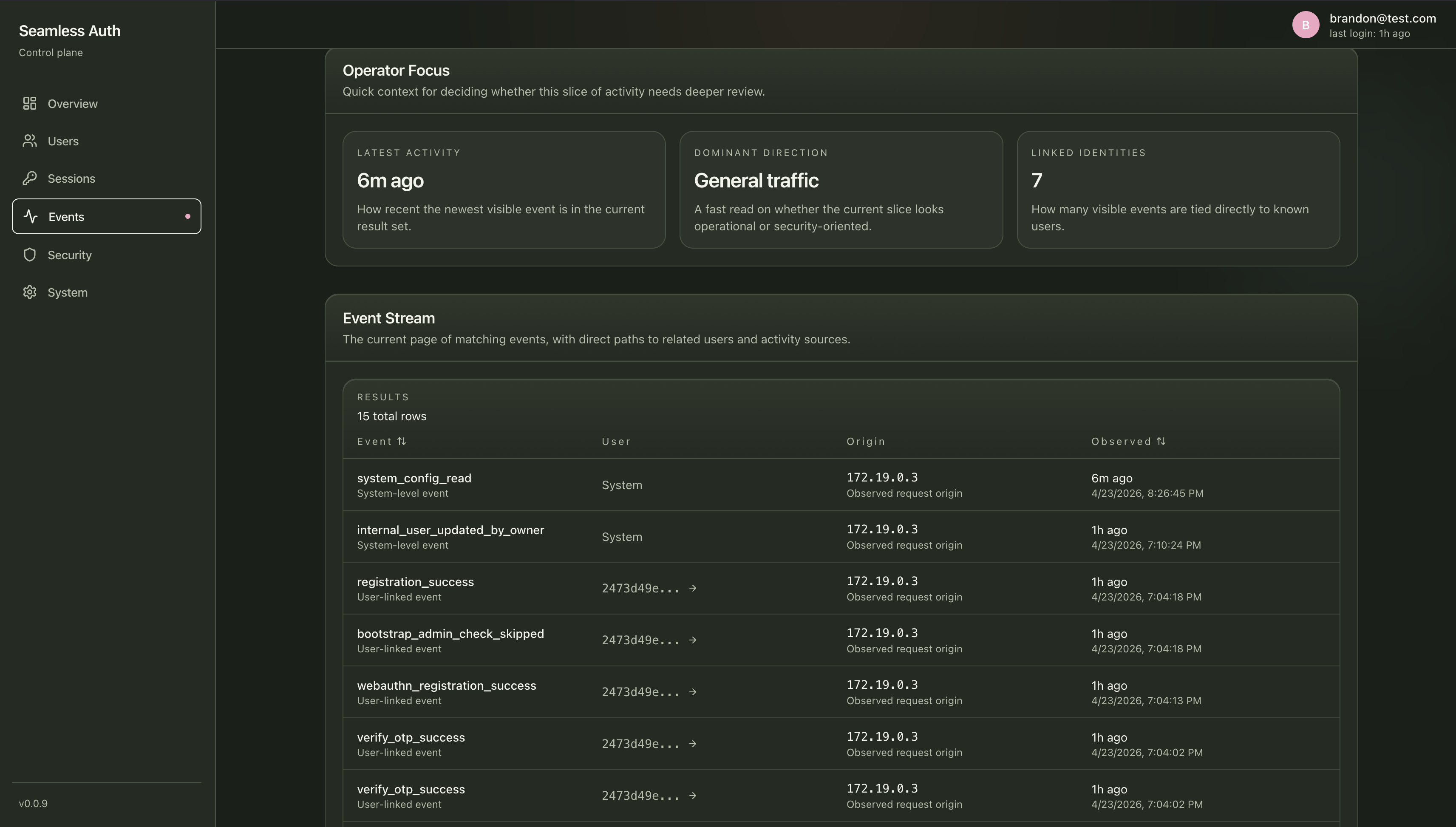
Section titled “Events”Use the events screen to:
- inspect auth flow history
- filter event types
- debug failed or unusual behavior
- review OAuth, TOTP, session, and admin-sensitive events
Security
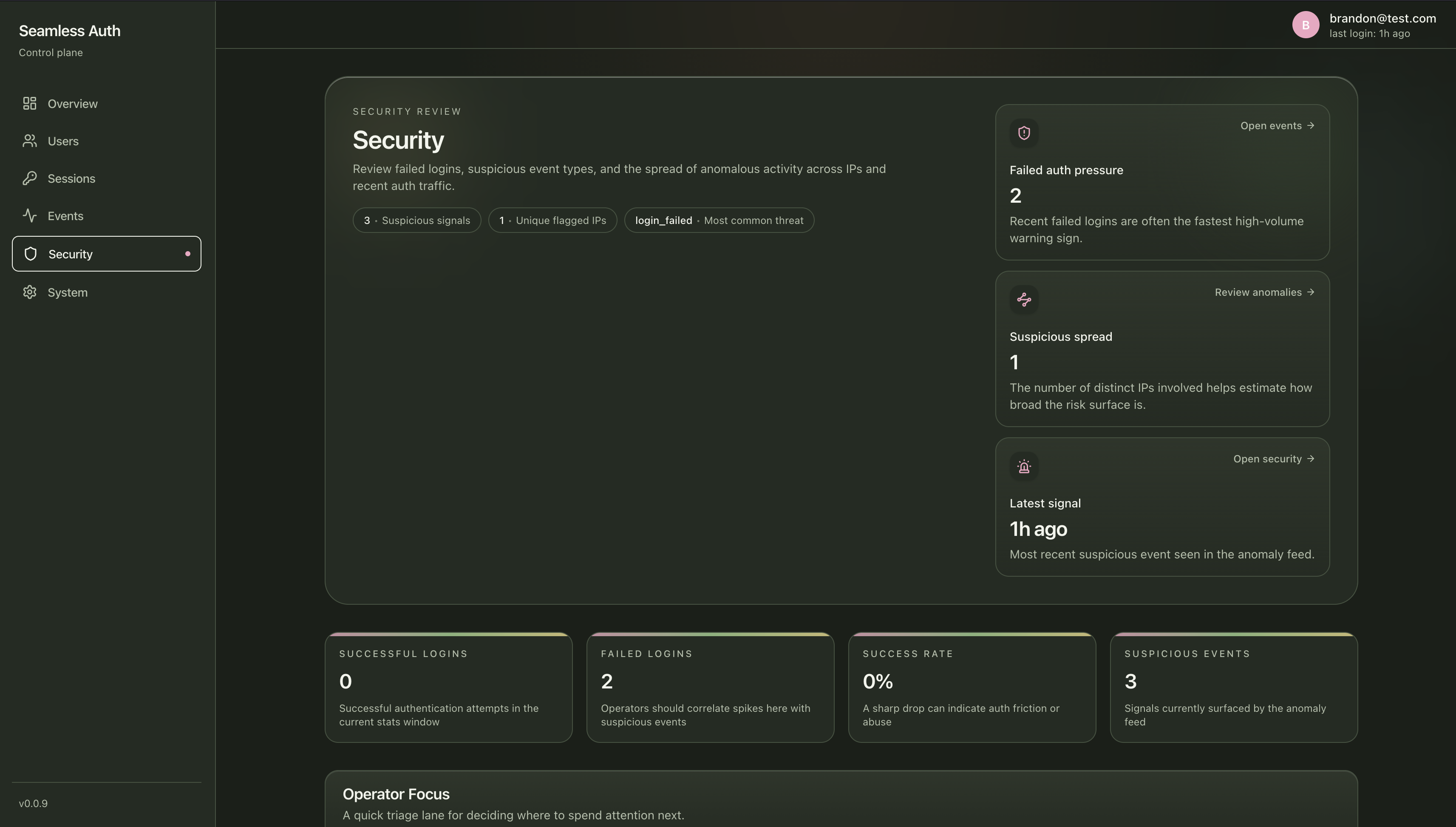
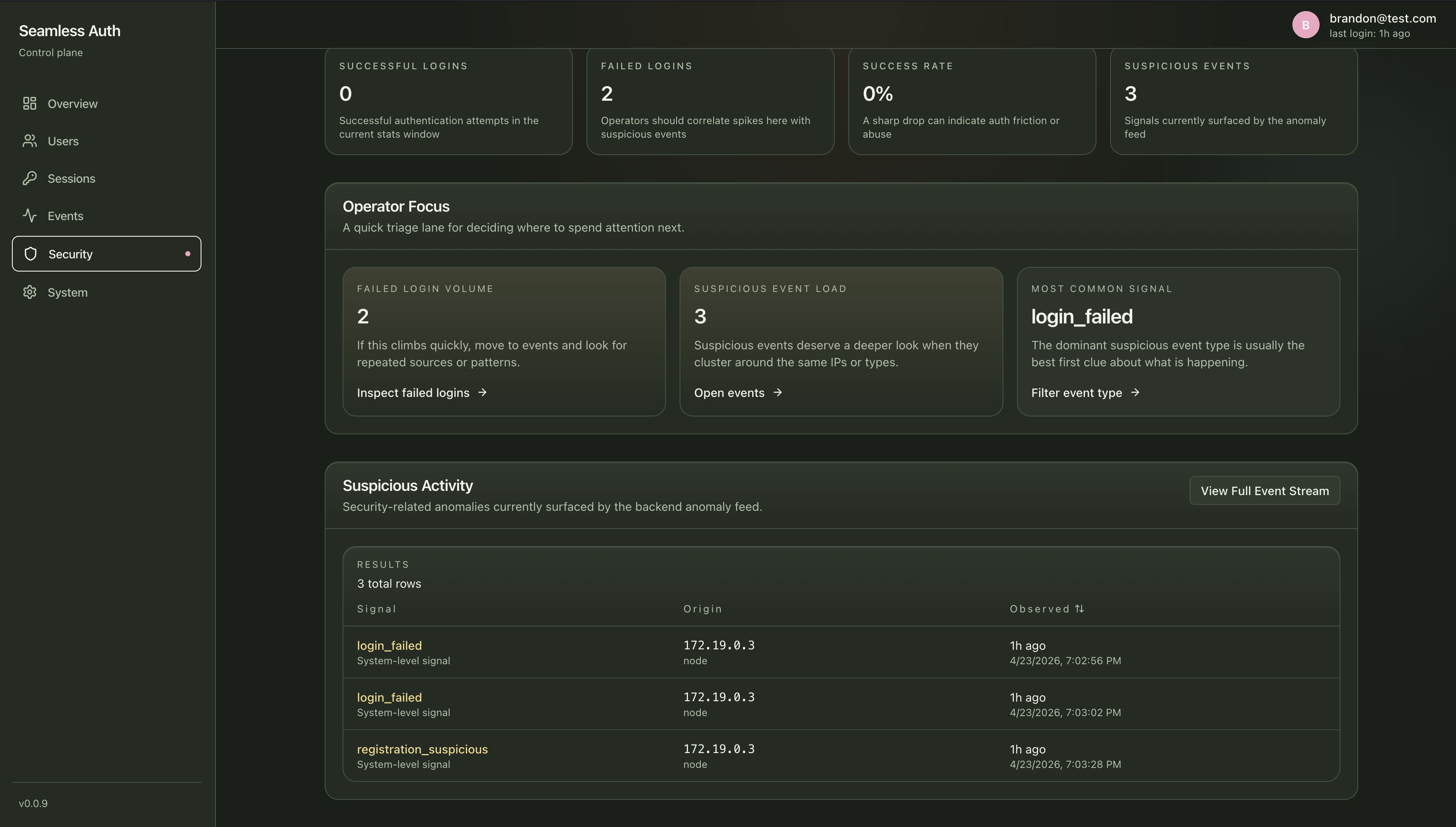
Section titled “Security”Use the security screen to:
- review anomaly signals
- inspect failed login pressure
- pivot into suspicious events
- support lockout-policy investigations
System Configuration
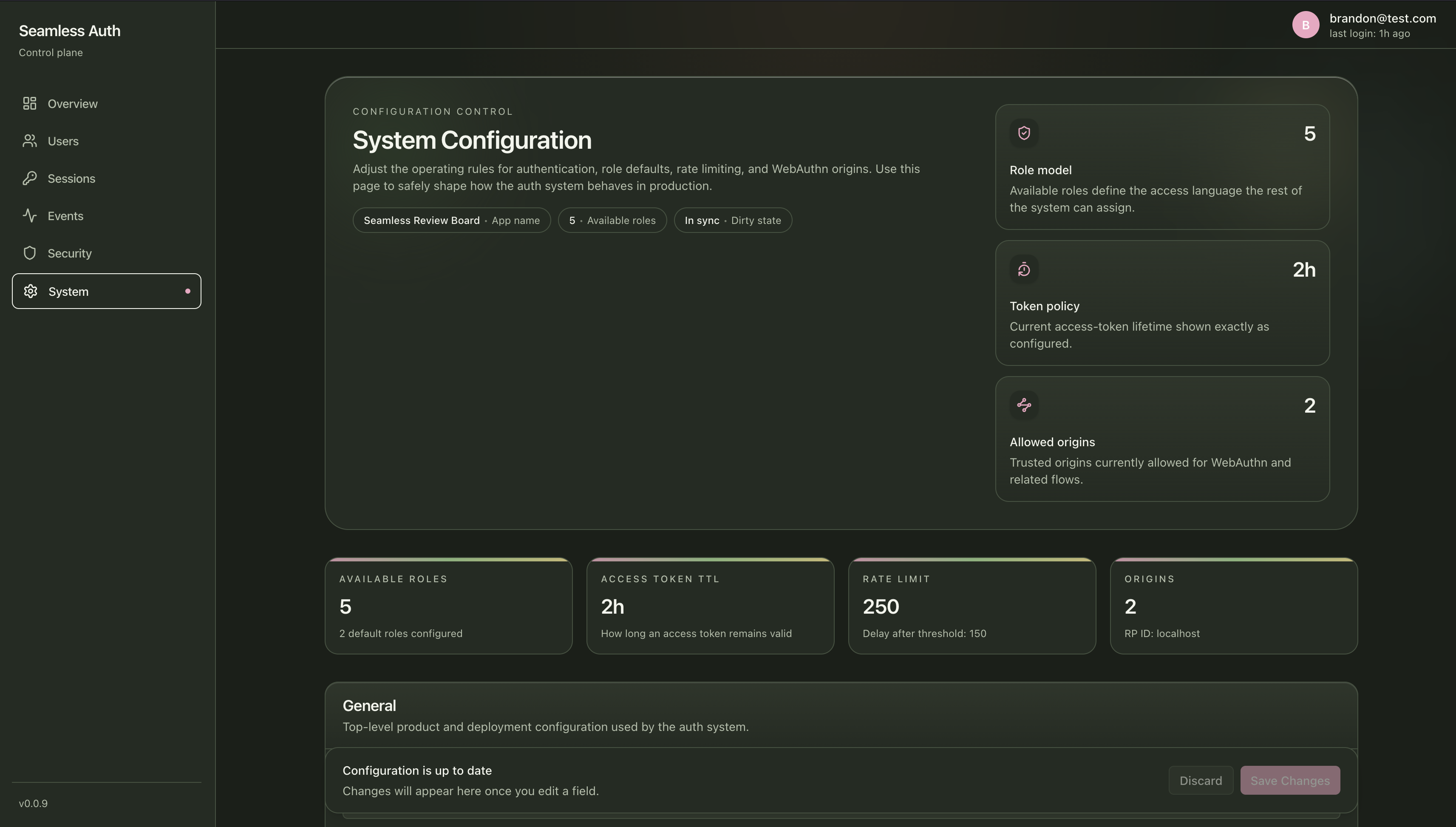
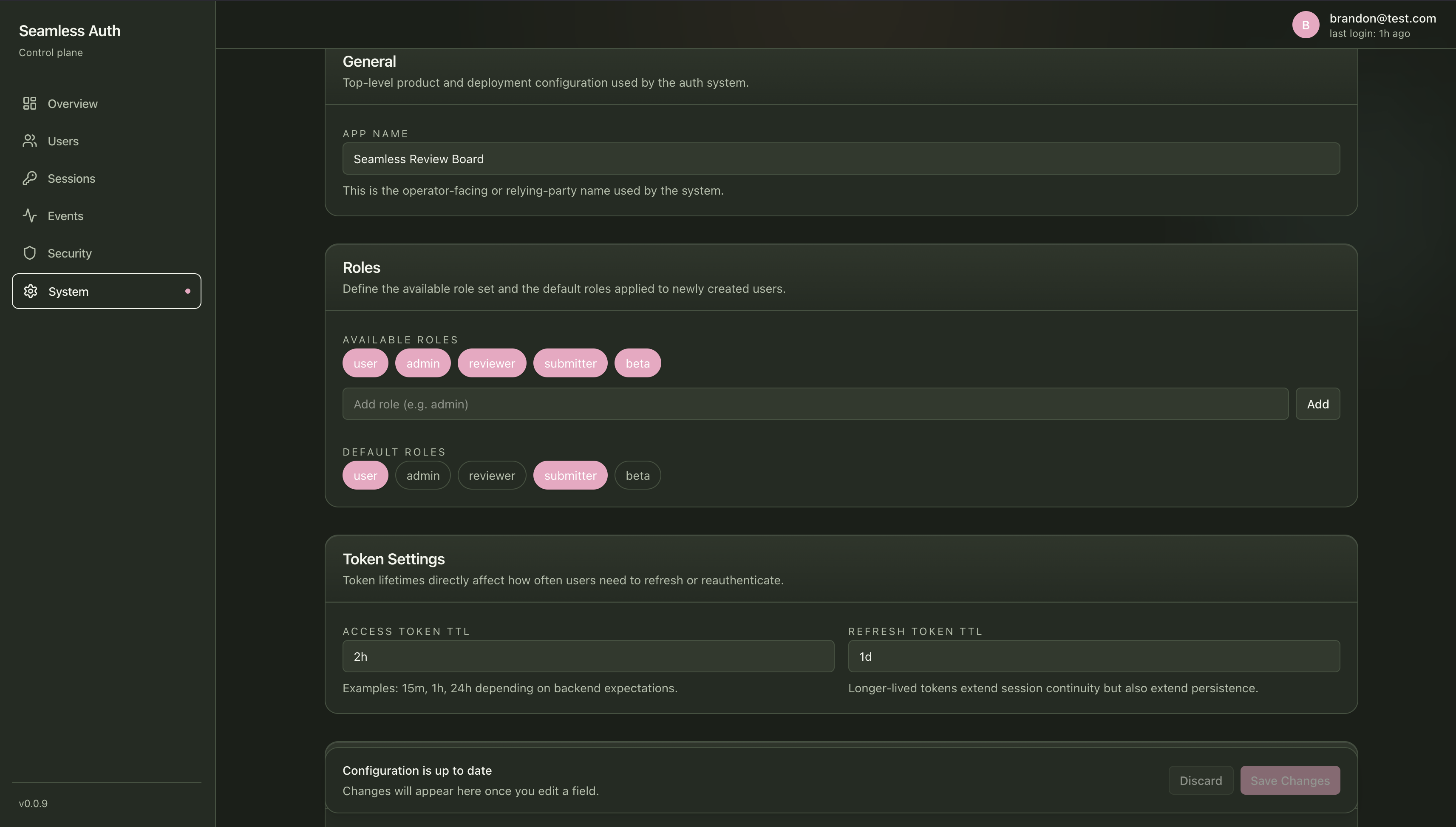
Section titled “System Configuration”Use the system screen to review and update runtime auth configuration:
- default and available roles
- login methods
- passkey fallback policy
- OAuth provider configuration
- token TTLs
- rate limit and slowdown values
- account lockout policy
- WebAuthn relying party and browser origins
OAuth provider client secrets stay in environment variables referenced by provider config. Do not paste raw provider secrets into the dashboard.
How It Connects To The Stack
Section titled “How It Connects To The Stack”The dashboard sits on top of:
- admin routes such as
/admin/* - internal metrics routes such as
/internal/* - session routes such as
/sessions/* - system config routes such as
/system-config/* - step-up routes such as
/step-up/*
If you want the technical route map, see Auth API Routes.
When To Use This Page
Section titled “When To Use This Page”Use this page as a quick orientation guide during your first local run.
For deeper product docs, continue to:
