End Result
- a protected
/chatfrontend route - a protected backend/chatendpoint - role-based access using theteamrole
This guide shows the core pattern you will use in a real application:
The specific example is a small /chat page, but the pattern applies to any protected product
feature.
End Result
/chat frontend route - a protected backend /chat endpoint - role-based access
using the team roleIn your frontend app, add a new /chat route and render it inside the authenticated application
shell.
The key idea is:
AuthProvider at the app boundaryuseAuth() inside the pageisAuthenticated and role dataIf you want the React package context first, see React SDK.
Inside the page, check the current user’s roles.
Example pattern:
const { isAuthenticated, hasScopedRole } = useAuth()const hasAccess = hasScopedRole('team')Use that to:
Your backend still needs its own authorization boundary.
Typical shape in an Express app:
app.post('/chat', requireAuth({ cookieSecret }), requireRole('team'), (req, res) => {  const { message } = req.body
  res.json({    reply: `Echo: ${message}`,  })})
That keeps authorization explicit on the server even if the frontend also hides the feature.
If you want the package-level backend view, see Server SDKs.
With a normal authenticated user who does not have team:
/chat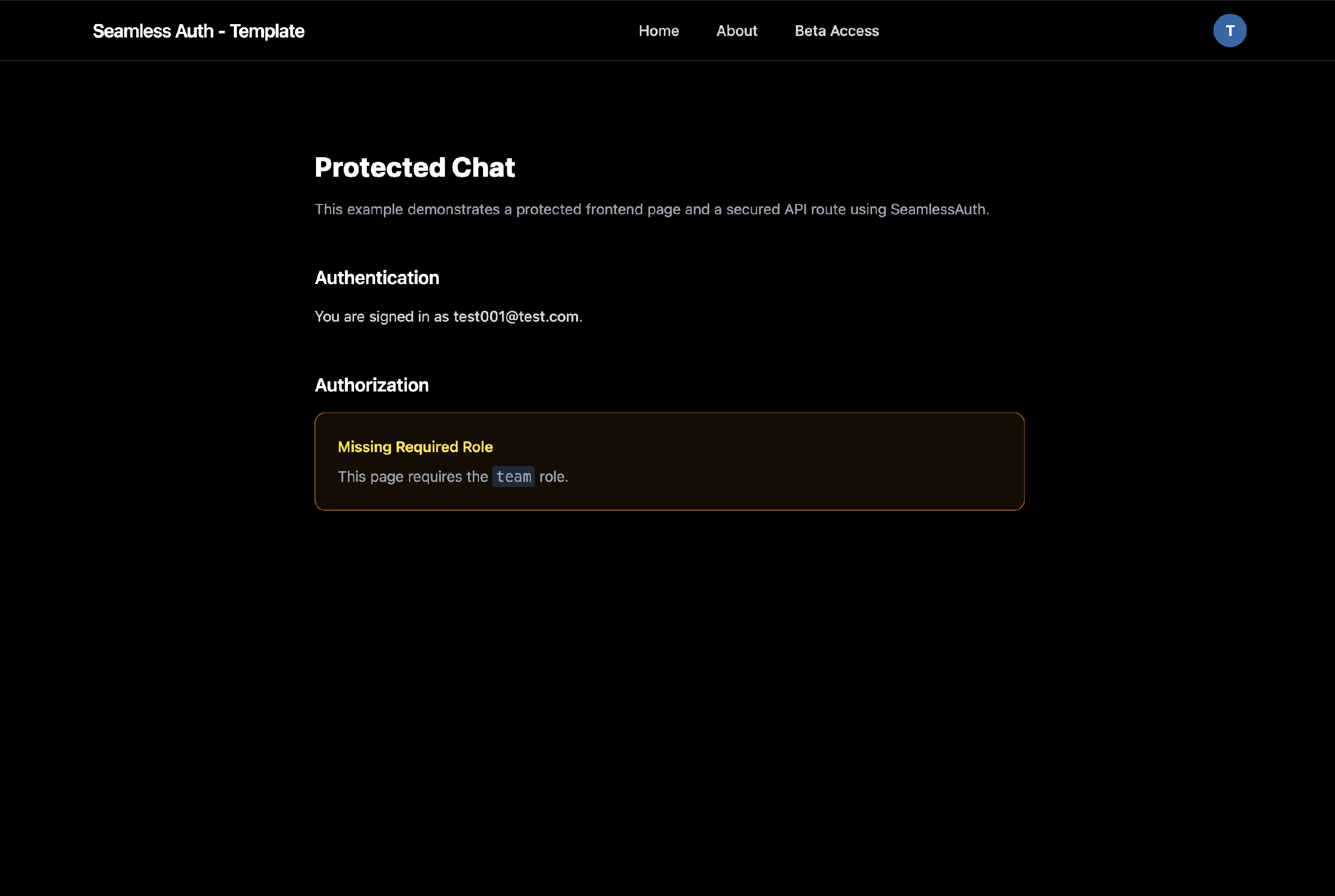
Log in as an admin and open the users screen in the admin dashboard.
Then:
team role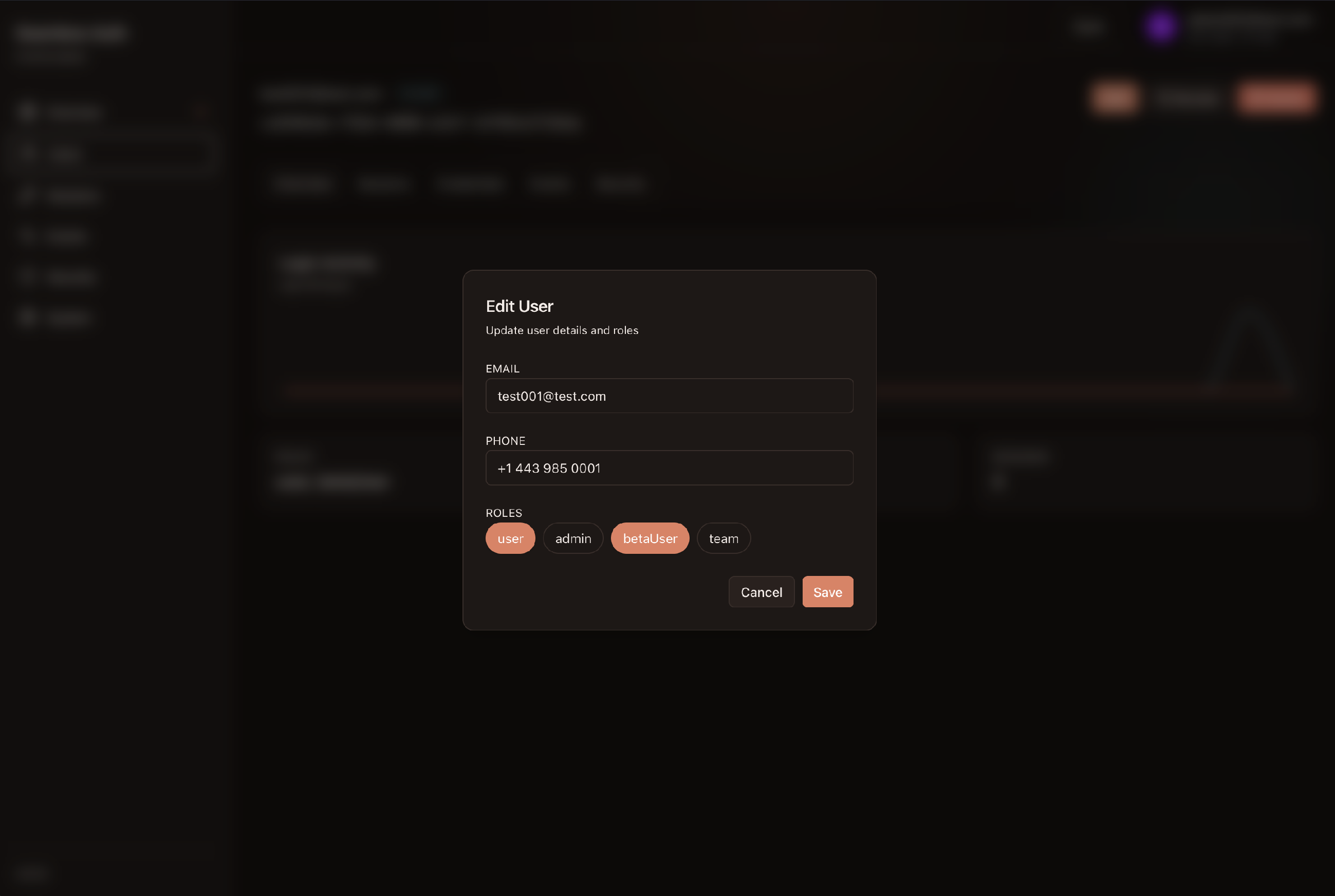
After the role is present:
/chat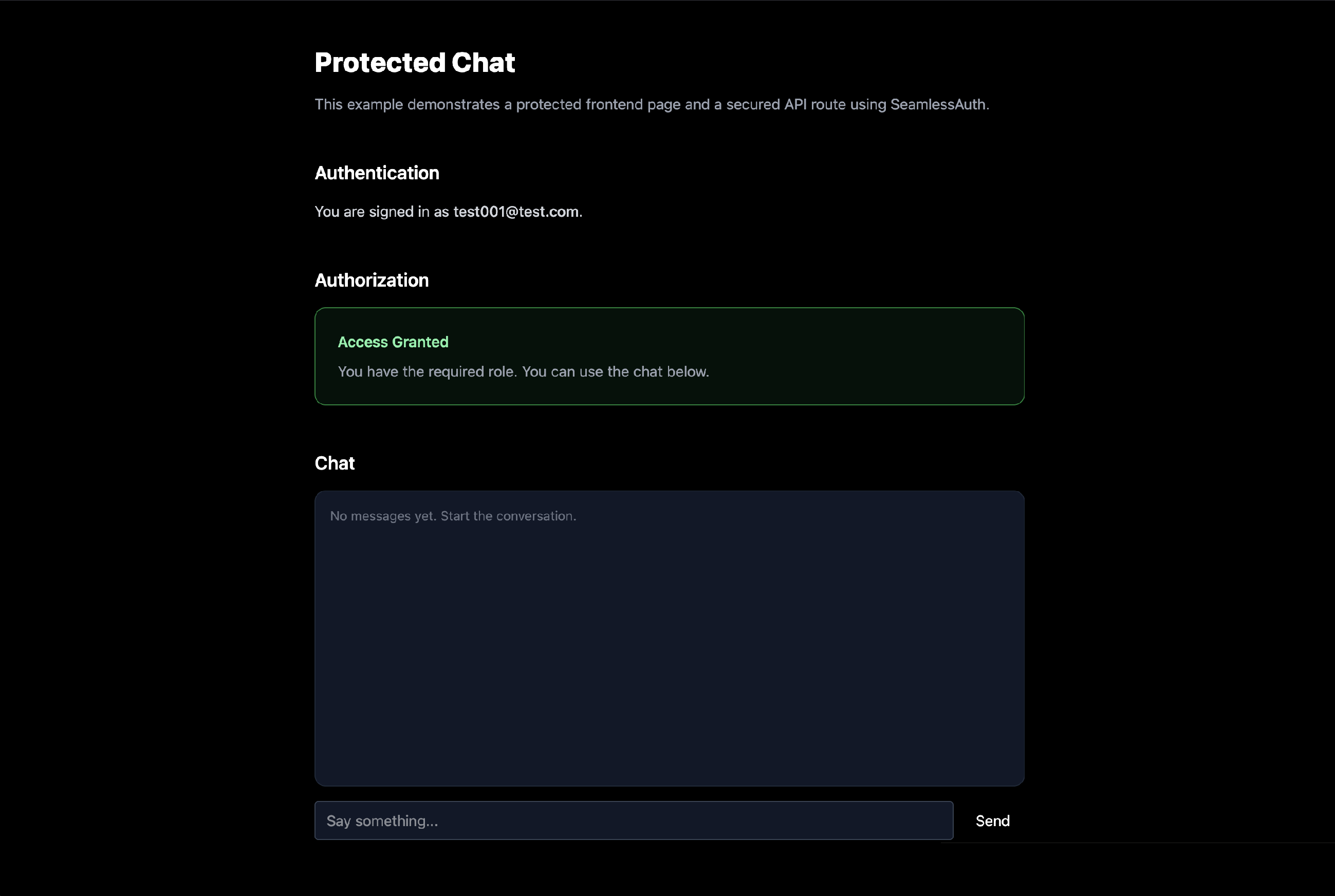
The pattern is always the same:
